
WAI Docs Wed Aug 19 13:22:37 EDT 2026
List
Quick Start
Quick Start
User Guide
User Guide
Policies - GuardRails
Policies - GuardRails
Witness Anywhere: Remote Device Security
Witness Anywhere: Remote Device Security
Witness Attack
Witness Attack
Administrator Guide
Administrator Guide
404
404
Welcome to WitnessAI!
WitnessAI is a comprehensive platform designed to Observe, Control, and Protect Artificial Intelligence (AI) Models, Applications, and related activities for your organization, and your customers. We provide visibility into AI usage, guardrails against risky behavior, and ensure data and model protection across thousands of AI solutions such as OpenAI, Anthropic, and Google Gemini.
What’s New?
AWS Bedrock, Antigravity, Devin, Microsoft Copilot Cowork & Studio
See full details in the August 18, 2026 Release Notes
New Home Dashboard & Agent Support
See full details in the August 4, 2026 Release Notes
Salesforce AI & Figma AI Support
See full details in the July 21, 2026 Release Notes
Click here for more Release Notes.
Our Mission
At WitnessAI, we believe AI will be as fundamental to modern work as the Web has been for the past twenty years. Our mission is to give organizations the security and governance controls needed to adopt AI, safely and securely.
WitnessAI solves the critical challenges of observability, control, and protection that organizations face with the growing use of AI, particularly generative AI and large language models (LLMs).
By integrating with your existing infrastructure, application, and security ecosystems, WitnessAI delivers an encrypted, cloud-based solution to monitor and regulate AI interactions, ensuring they comply with both internal policies and external regulatory requirements.
Log in instructions are below. Once you’re logged in, read the Console & Settings documentation section for a guide through the features of WitnessAI.
After you’re familiar with the Console, refer to the User Guide for full details on every feature, and step-by-step usage instructions.

How WitnessAI Works
WitnessAI operates through a network-level deployment, connecting to your network security devices, identity providers (IdPs), and application APIs to monitor and control AI interactions. We also integrate with Security Information and Event Management systems (SIEM) for real-time security-related data analysis.
No agents are installed on user devices. This enables complete coverage without affecting end-user experience or device performance.
WitnessAI captures employee access to internal and external AI applications, and creates audit logs of all activity, including user prompts and AI responses during chat conversations. This allows you to understand how AI is being used, classifies conversations for risk and intention, and applies both identity and intention-based policy to enforce your acceptable use policies.
Finally, WitnessAI provides fine grained data and topic control, prevents prompt injections, and protects your data, your employees, and your customers.
Navigating Documentation

Login to WitnessAI
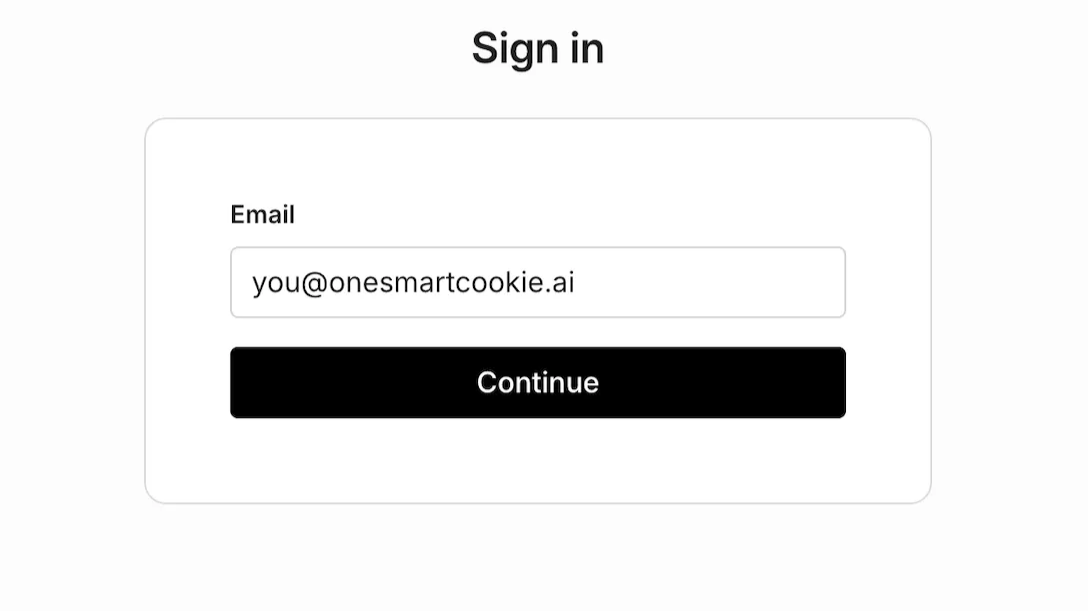
Navigate your browser to your organization’s dedicated WitnessAI web console. Enter your email and click “Continue”.
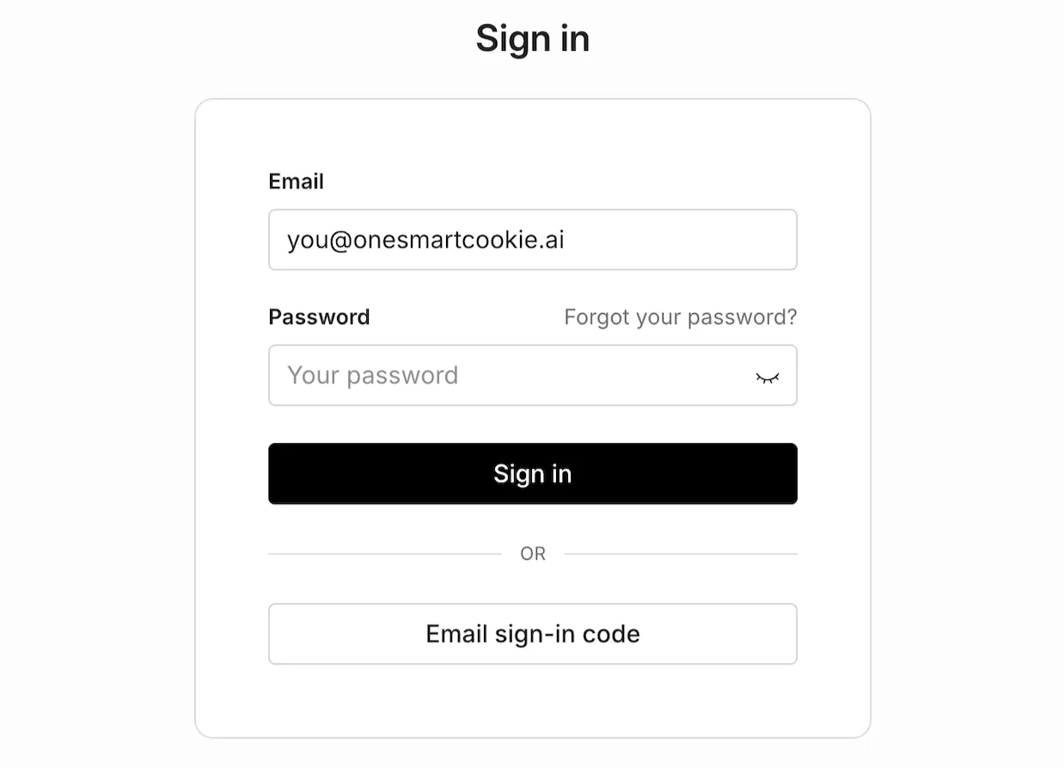
On the next screen you can choose to enter your password, or choose “Email sign-in-code”.
If it’s the first time you’re logging in, or you haven’t logged in recently, you may automatically be emailed a verification code. Then you will see the following screen.
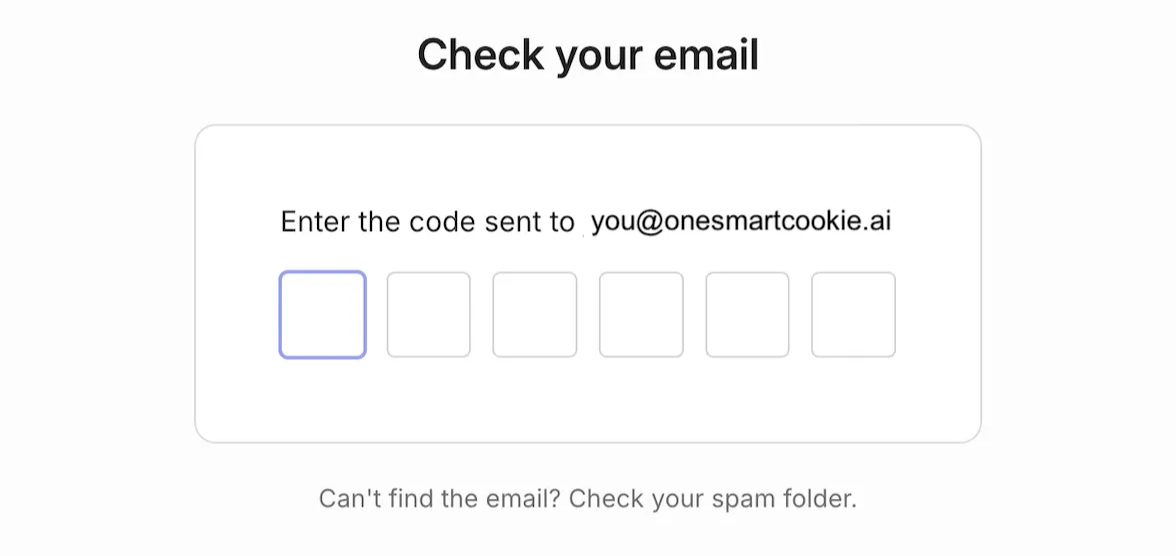
Enter the six-digit code from your email, and you will be logged in.
The Dashboard will be the first screen you see after logging in:
